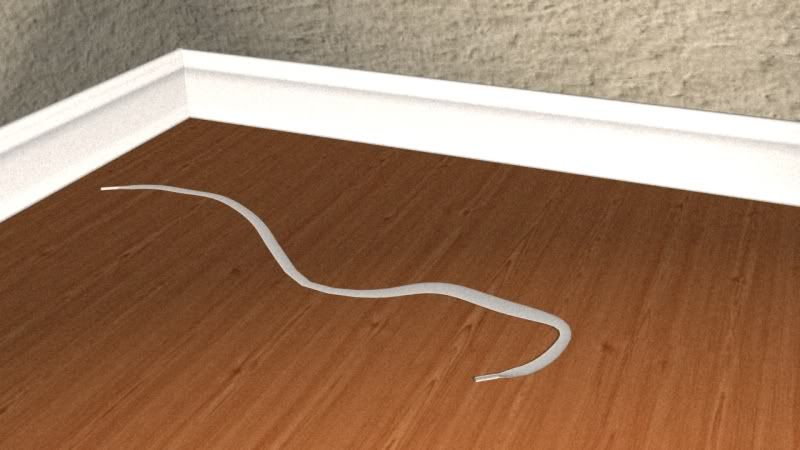
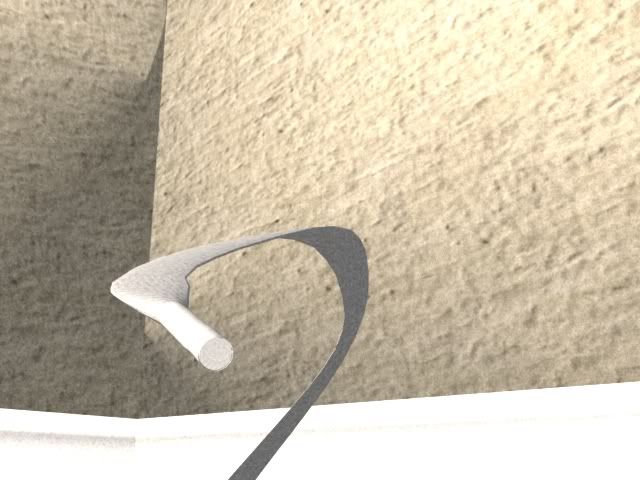
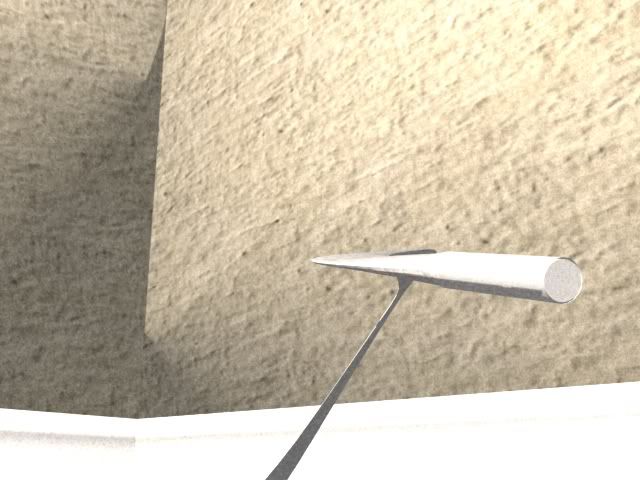
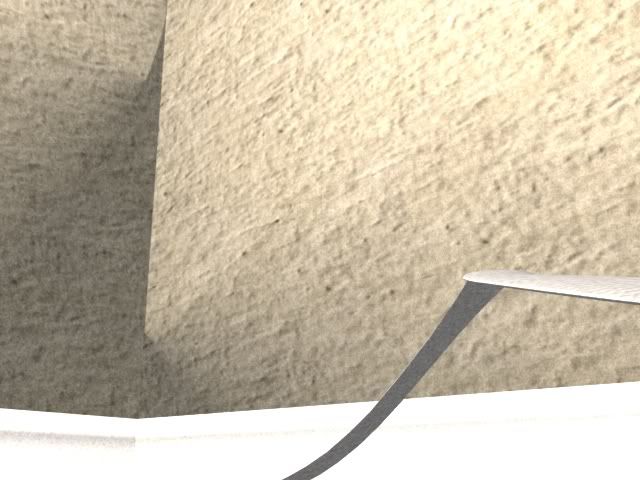
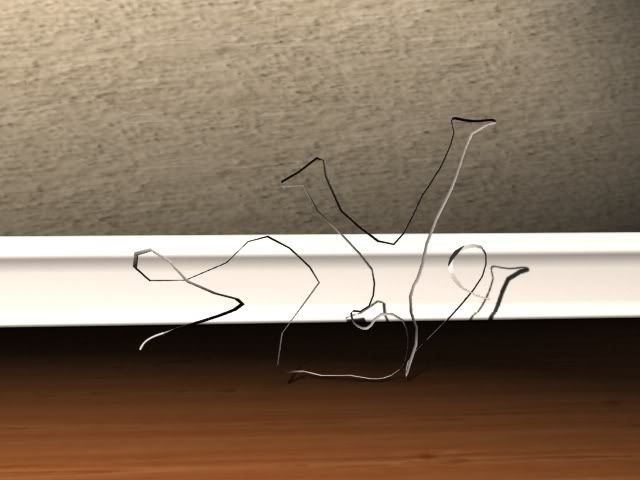
Follow up after I got the animation test done.
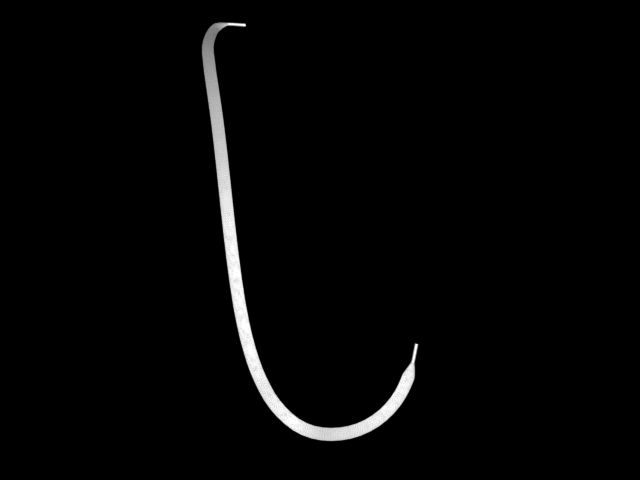
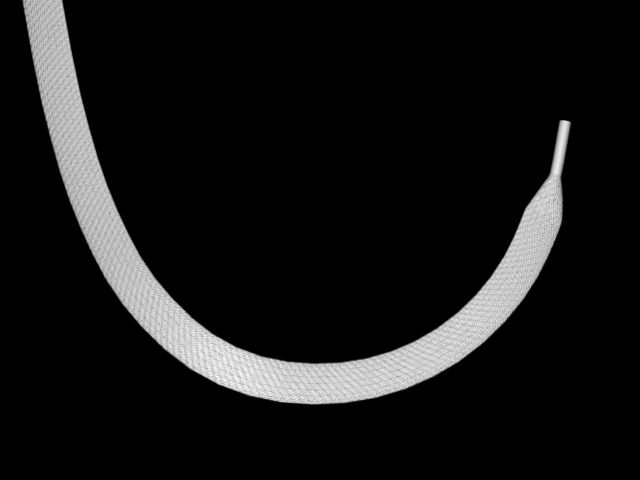
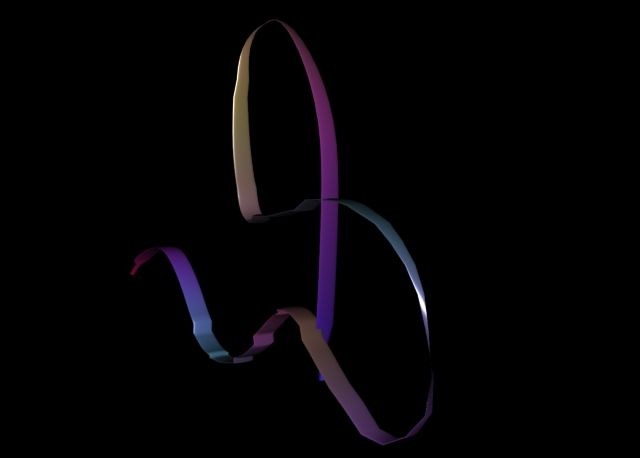
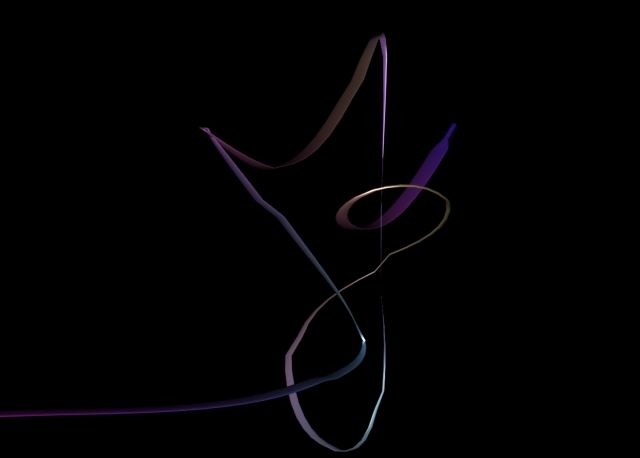
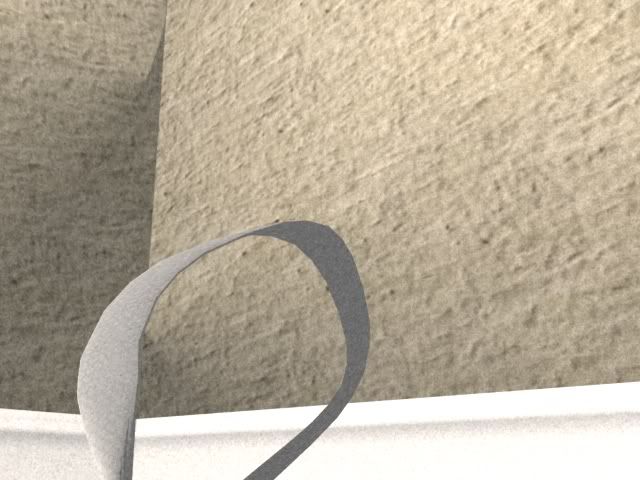
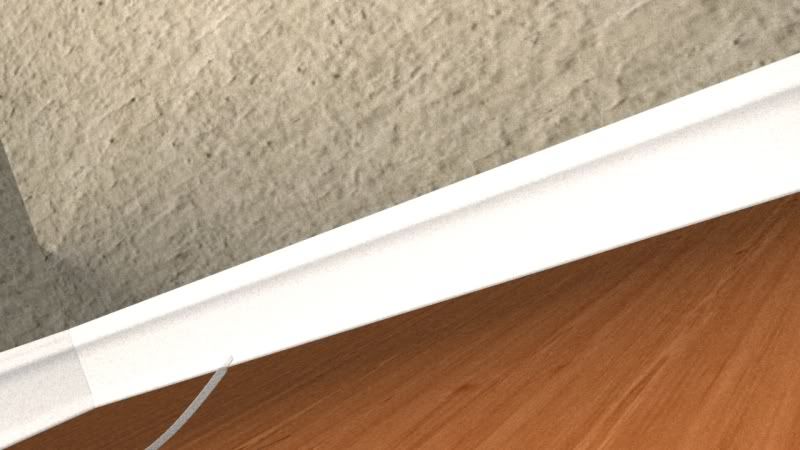
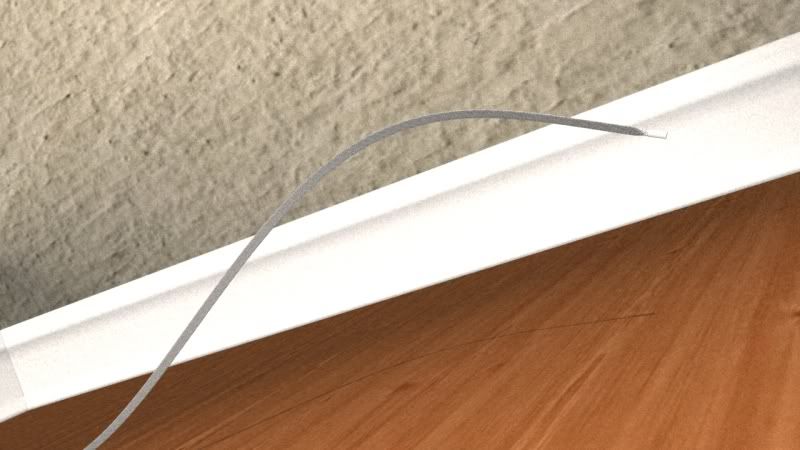
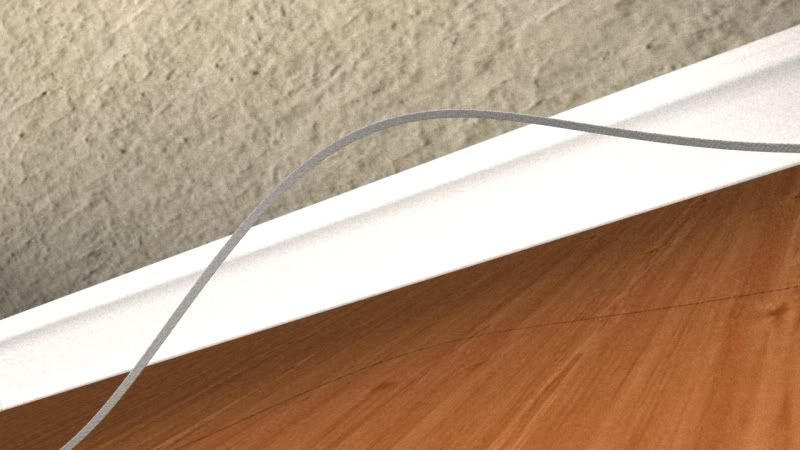
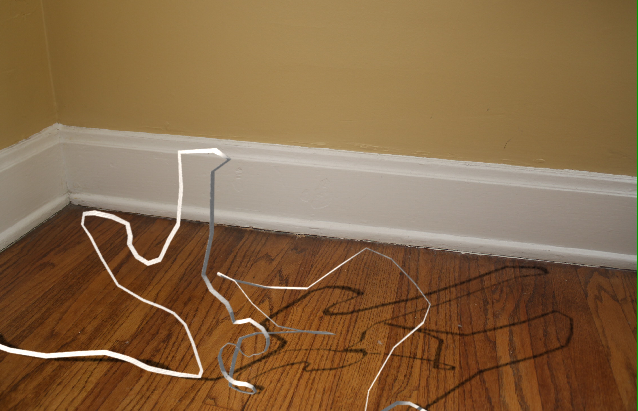
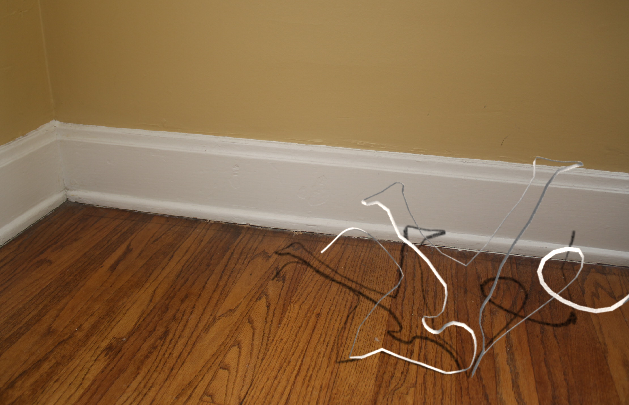
This time round to test my shader.
Just to check if the shader would break or not during animation.
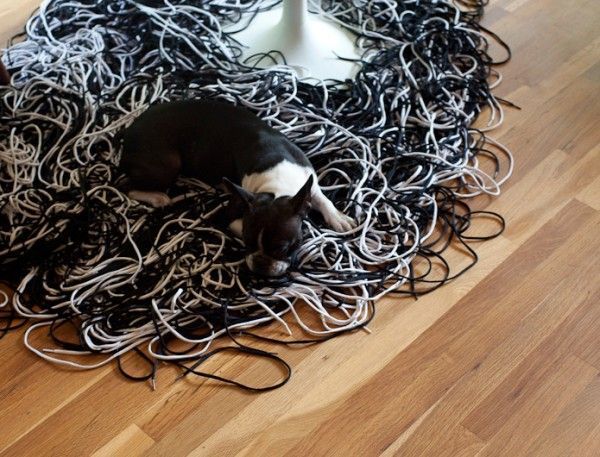
Details on the shader is loss while doing far shots.
Close up looks fine tho...
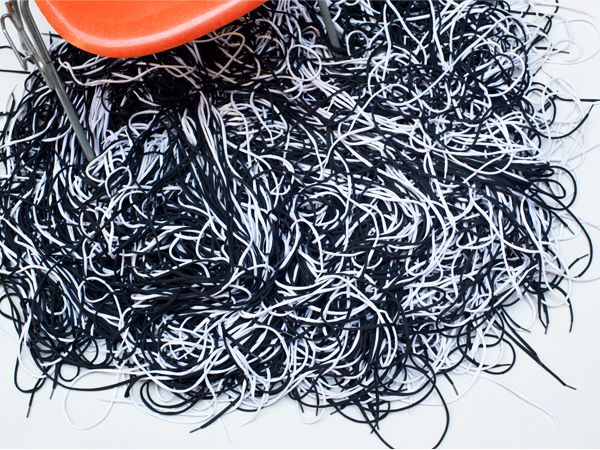
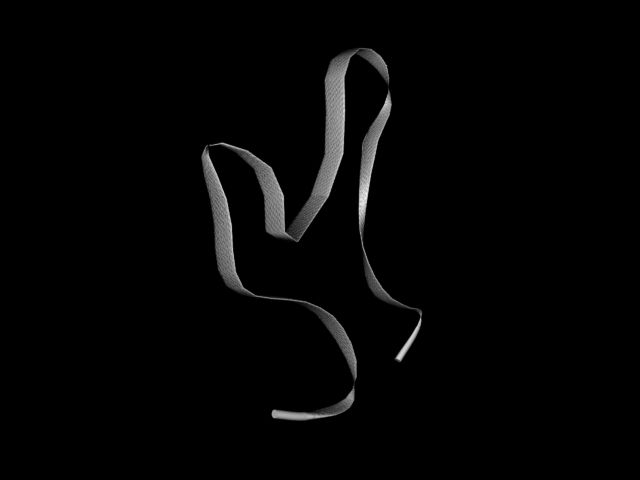
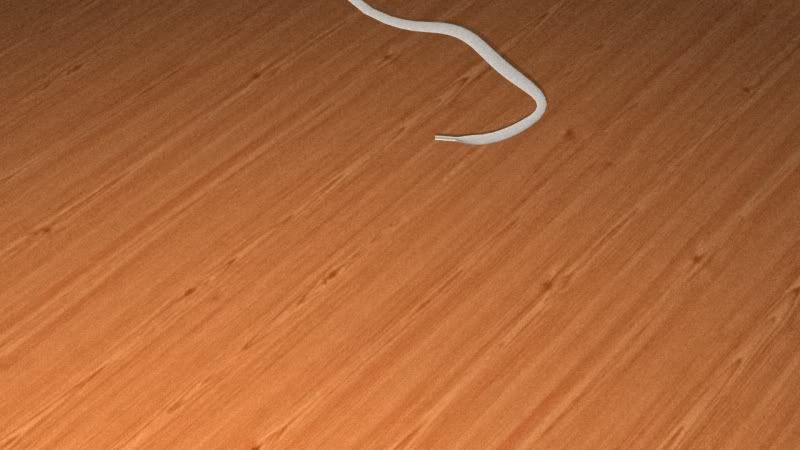
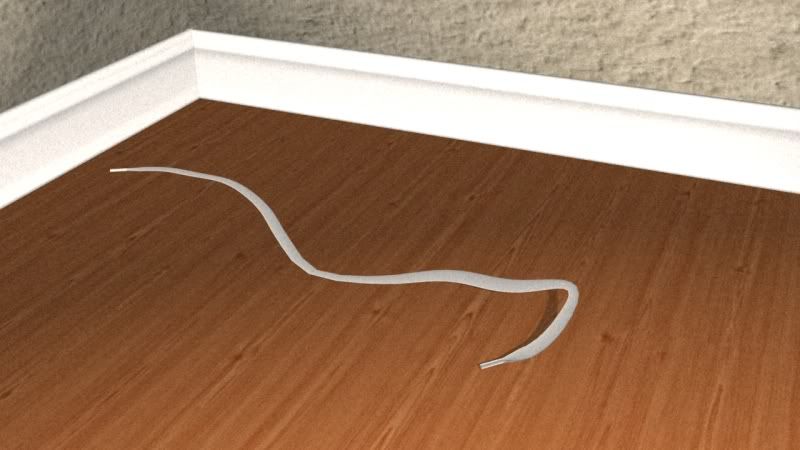
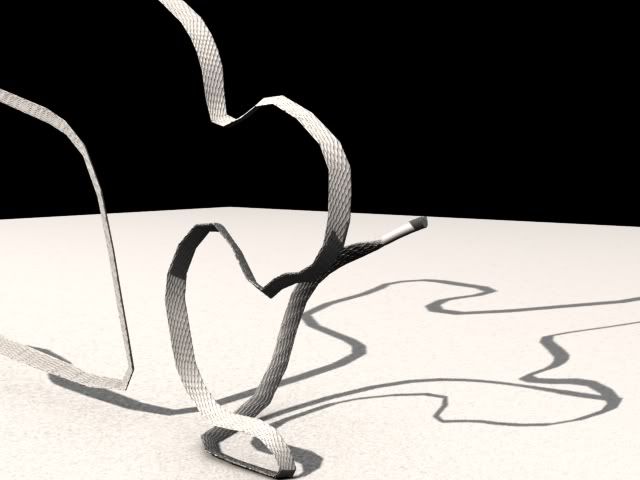
Tested the technique out
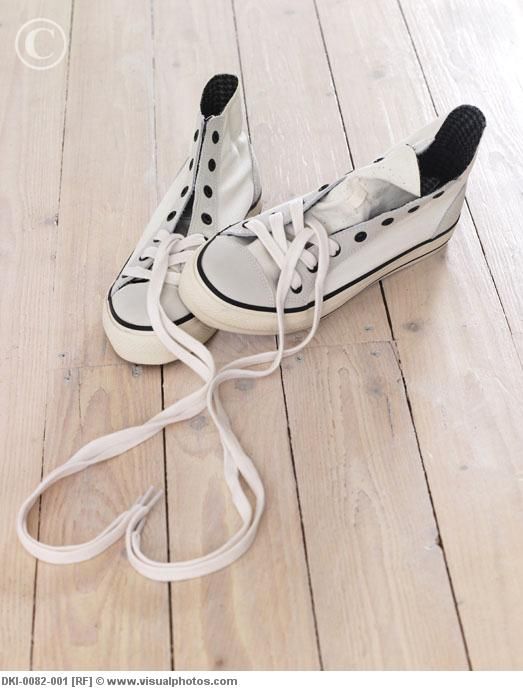
There is twisting problems and shoelace was too short.
After increasing the length of the shoelace, I got inter penetration problem, geometry twisting problem, the shape loses details hence unable to form the shape properly.
Cool Link
http://vimeo.com/14955603
http://www.gcstar.org/index.en.php
http://houdb.t-vm.fr/?collec=0&model=list&filter=none&sort=idASC&p=2
http://www.sidefx.com/index.php?option=com_content&task=view&id=1050&Itemid=216
The usage of shadow mask, similar to light linking technique.
A really good expression to note is * ^node_name, this expression will exclude only the node that is specified.
For the sun light, using a distant light is good and usage of shadows depends on the scene. Usually the depth map will work fine unless you want softer shadows.
For sky light, either area light or environment light.
Tweaking depth map. Increase resolution, shadow quality, pixel samples and tweak bias if you have to. A very small bias will help fix light leaks for interior lighting.
Fake bounce light with multiple spotlights. Low cone angle with a high cone delta.
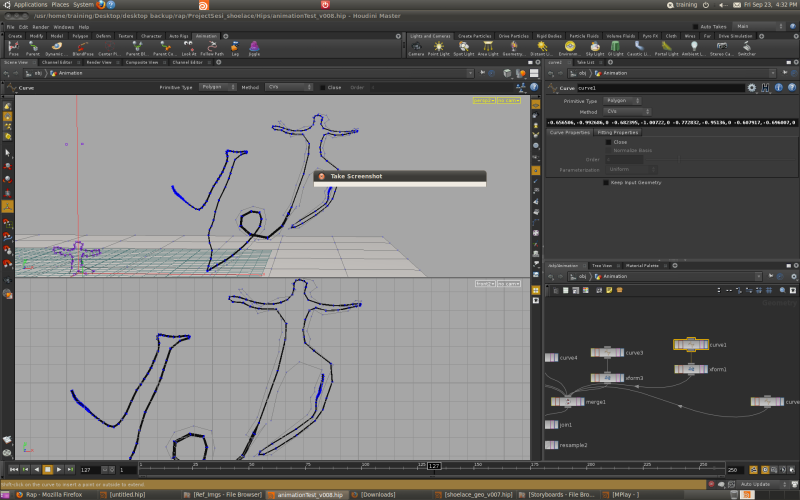
After countless attempts at James approach, finally somehow I got it to work with my shoelace.
The problem I see now is the animation's speed, it have this auto slow down when it's moving on the curve. Kinda nice but it's unintentional.
During the curve part the geometry sort of give away the polygon sharp edge look. Probably adding more bones would fix it.
Today we went over to DreamWorks Animation studio
http://www.dreamworksanimation.com/
It's a huge place, lot's of people.
They even have their own Doctor and Nurses, so when you're sick you don't need to take a day off to see the doctor. Employees are even allow to bring their sick children there.
Their goal is to make their employees feel at home, the place is really awesome and equipped with loads of things like motion capture studio, audio studio etc
They feed their employees lunch as well. They have this cool place which is like a eat all you want place. But they do have operating hours tho.
Anyway back to project.
Today had a little review session with Ari, showed him my progress. I talked about the shoelace shader, the animation, the problems etc.
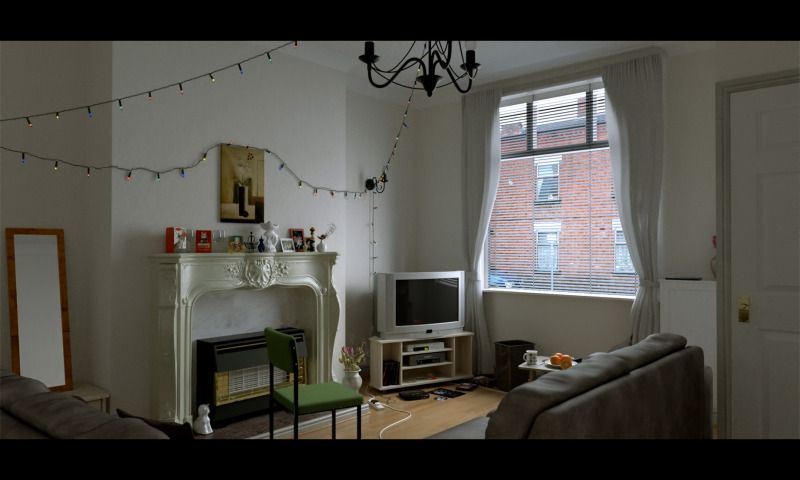
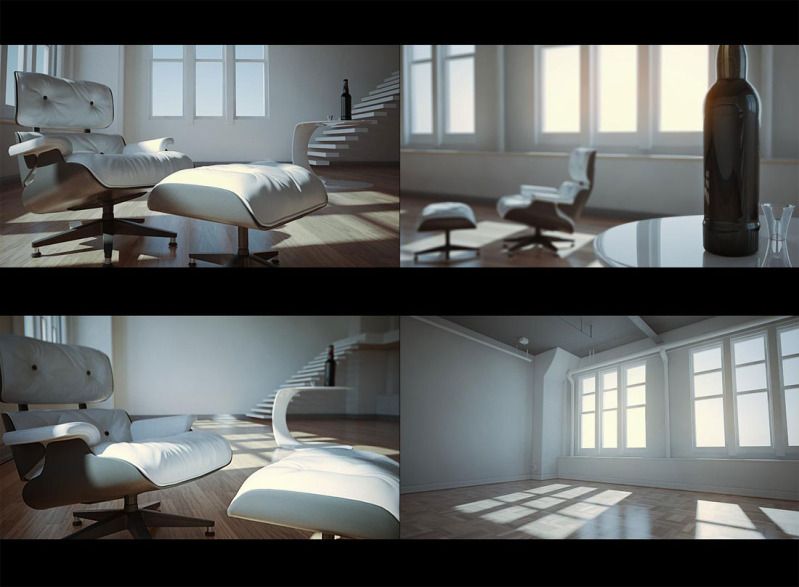
Worked on my pre-viz
No videos yet but coming soon.
For now just a few stills.
Received a demo file from James and 3 demo files from Douglas.
Experimented with all those files, trying to understand what steps they took, why and how things works.
Kind of complicated.
The file from James have a very nice set up, the rig is able to follow the curve.
Geometry stays consistent, deformation wise.
The files from Douglas have very nice set up for secondary animations, giving the animation more complex animation after the primary animation.
Would be nice to combine both techniques and make to best out of both worlds.
I've been trying to implement James approach but failed. Lack of knowledge.
Had a little talk with Ari this morning.
The discussion time with the industry mentor needs to cut down.
Sum it up in 5 mins
What we got after the discussion.
What's the current week's progress.
What was the problems faced.
15 mins for him to help each of us.
That way the flow would be faster.
Ari also saw the test animation and mentioned that the shape should have a little hold and moving the camera so that the audience can capture the shape, instead of the shoelace constantly moving.
The shoelace's movement is too liquid like, shoelace should be more rigid.
Changed the length of the shoelace so that it's longer now. able to hold the shape.
Edited the curve shape, trying to get a more rigid properties and possible bends on bends lol.
Timed the animation to have a pause so that the shapes stay.
Problems are the shoelace penetrates the ground plane.
Don't like how the body is moving when it's near the leg, weird movement.
Certain frames it still have sharp edges making polygon obvious.
Unable to see the detailed shader.
Not enough frame to see the second shape.
What I like tho is the shadows are kinda like a second indication of the shape.
Added a skateboarder shape.
Gotta move on with other stuffs first since I'm stuck on animation again.